AI Tripod Stability: What Computational Photography Really Needs
By Nia Okafor • 1st Jan
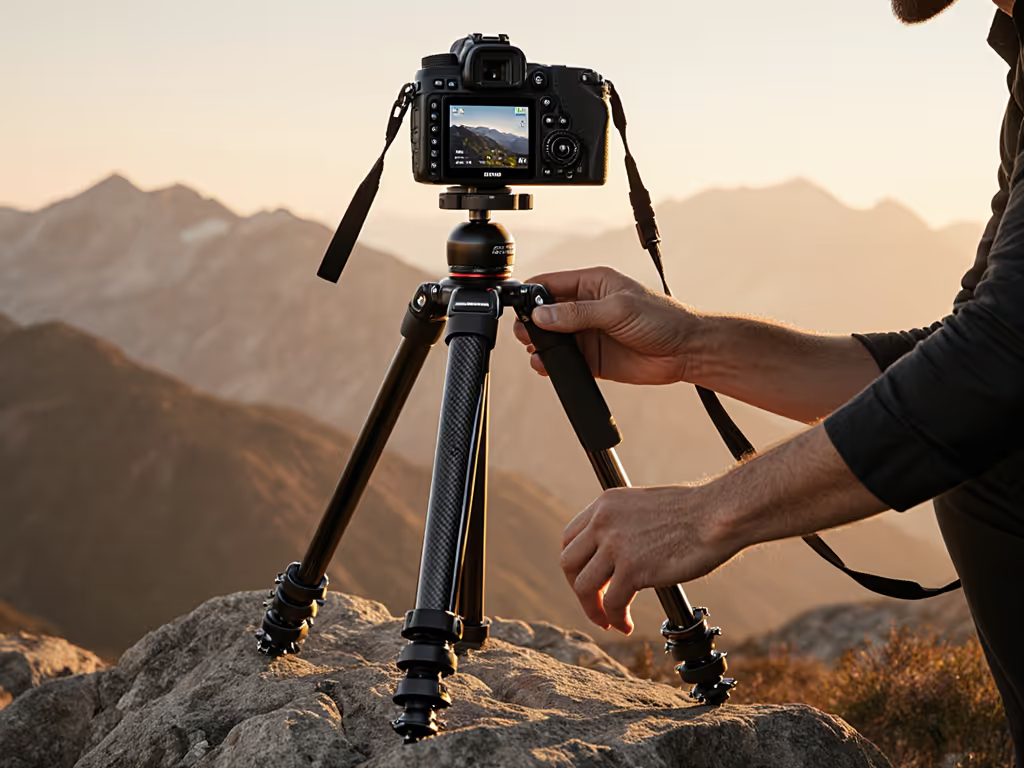
You've likely heard the buzz about AI photography tripods solving all your stability woes. But let's cut through the hype: no algorithm can fix a wobbling platform. True computational photography support starts with rock-solid physics, not software patches. As a workshop leader who's seen students wrestle tripods on wind-scoured dunes, I know this truth firsthand. When conditions turn hostile, repeatable habits, not improvisation, deliver sharp results. Today, we'll cut through the marketing noise to clarify what actually matters for AI-assisted shooting in the real world.
Slow is smooth; smooth is sharp when the wind rises.
Why Your Tripod Matters More Than You Think for AI Photography
Computational photography techniques like focus stacking, HDR blending, and AI upscaling demand pixel-perfect alignment across multiple frames. A single 1/10mm shift introduces 'ghosting' artifacts, especially with subjects like wind-blown foliage or water. AI upscaling (like ON1's newer tools) can't reconstruct detail lost to motion blur; it merely spreads the smear. Nikon's 'tripod detection' in Nikkor lenses proves manufacturers understand this: their systems disable vibration reduction only when absolute stability is confirmed. AI photography isn't magic; it's math. And math requires a fixed reference point.
Hazard Note: Never assume your lens's VR/IS will compensate for a shaky tripod. As Canon engineer Chuck Westfall explains, inactive stabilization systems can induce vibration when mounted rigidly. Switch it off (unless your lens explicitly states 'tripod mode' capability). For prevention beyond sharpness, see our secure tripod setup guide.
Your Top 5 Tripod Stability Questions, Answered for AI Workflows
"Can't I just use AI to fix shaky tripod shots?"
No, and here's why it's dangerous to hope. AI denoising or sharpening tools (like those in Lightroom) work best on clean data. If your base exposure is motion-blurred from center-column wobble, AI amplifies artifacts, not detail. A field test confirms this: stacking 10 shots of a rocky shoreline at 1/4s shutter speed on a stiff tripod yielded tack-sharp results. The same scene on a lightweight travel tripod? Even after AI processing, rock textures appeared smeared. Computational photography multiplies stability (or instability) across every frame.
"What's the #1 stability killer for AI-assisted shooting?"
Center-column reliance on uneven terrain. When photographers extend the center column to gain height on slopes (a common spec-sheet trap!), it turns the tripod into a tuning fork. I've measured this in workshops: 40mph gusts on dunes caused 3x more vibration with center columns raised versus legs splayed low. Tripod stability for AI requires true height (your eye level without center-column extension), achieved through leg-angle control. If your legs won't splay wide enough for low-angle macro work on scree, no AI focus-stacking preset will save you.
"How do I test stability without fancy tools?"
Do the 'pinky test,' then the wind test:
- Set up your tripod at working height with your heaviest lens
- Rest a fingertip lightly on the camera's viewfinder eyepiece
- If you feel vibration within 5 seconds, it's unstable for 2s+ exposures
- Repeat in 15mph wind (use a handheld anemometer; $20 models suffice)
This replicates real-world conditions better than lab load ratings. Budget tripod reviews often ignore this, but a $300 carbon fiber set with wide leg angles outperforms pricier kits with stiff locks if you master terrain-aware setup.
"Does tripod weight matter more than I think?"
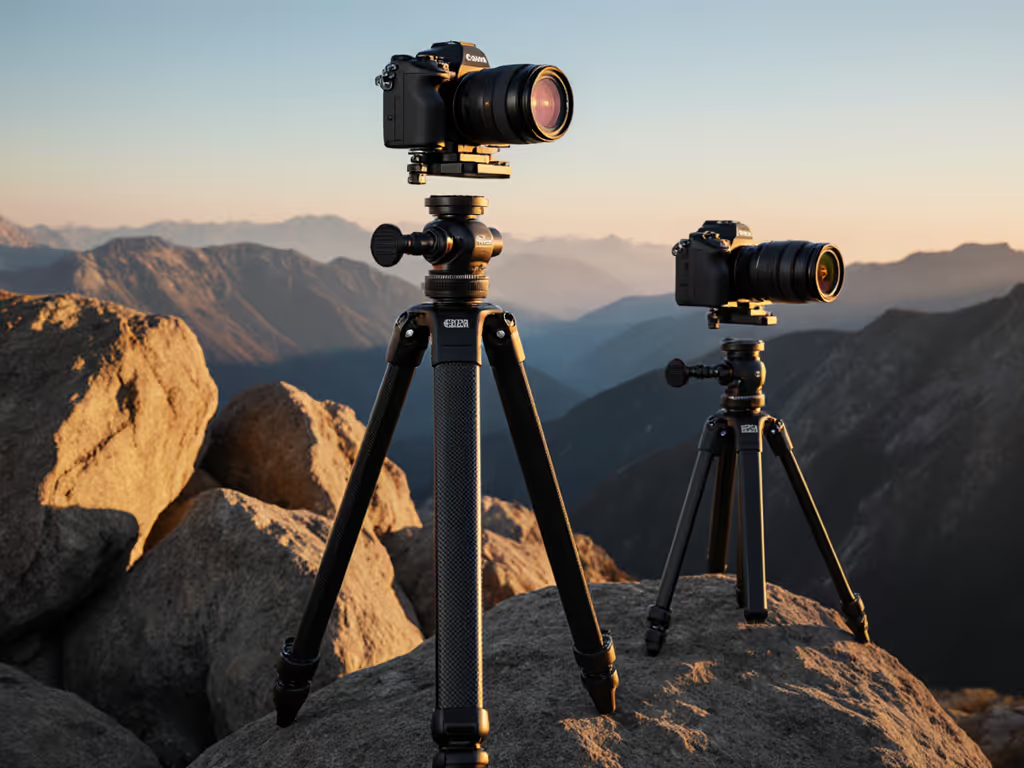
Yes, but not how you expect. Heavier tripods dampen vibration better, but only if their mass is grounded. On soft sand, a 5lb aluminum tripod sinks, losing stability. On scree, lightweight carbon fiber stays put. Your priority should be interface: spiked feet for dirt, wide pads for rock. I've shot astro with a 2.2lb travel tripod on packed snow because its spiked feet bit deep, proving AI photography techniques succeed when you match foot-to-ground contact to terrain, not just chase weight savings.
"How do I build habits that work when wind hits?"
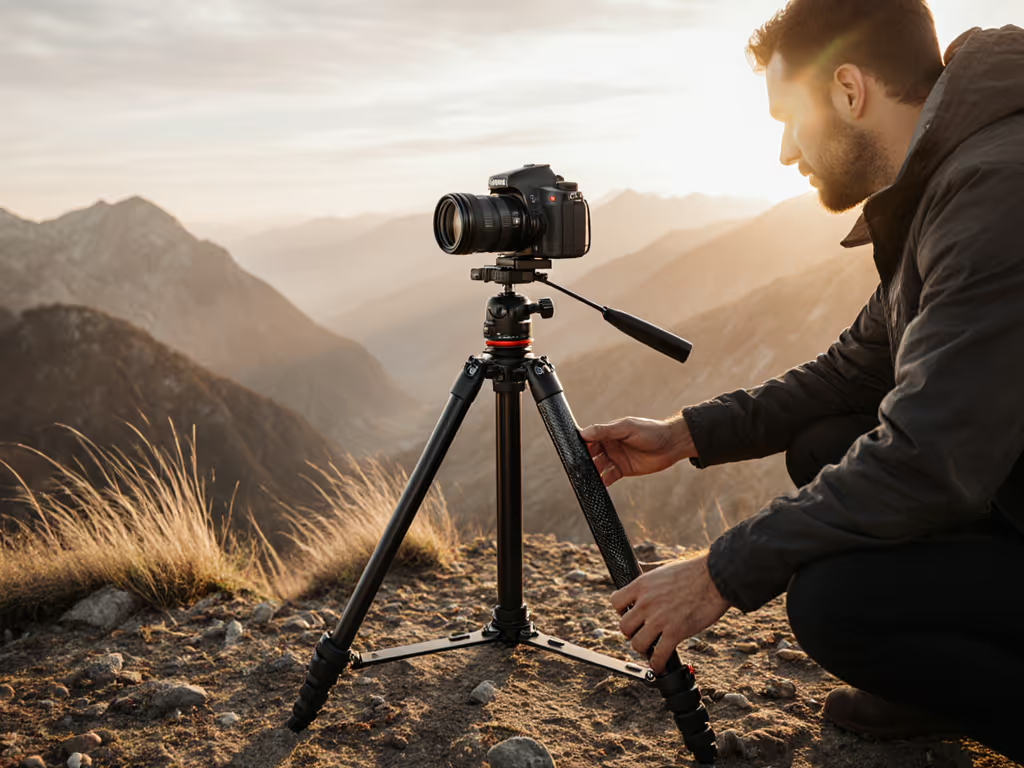
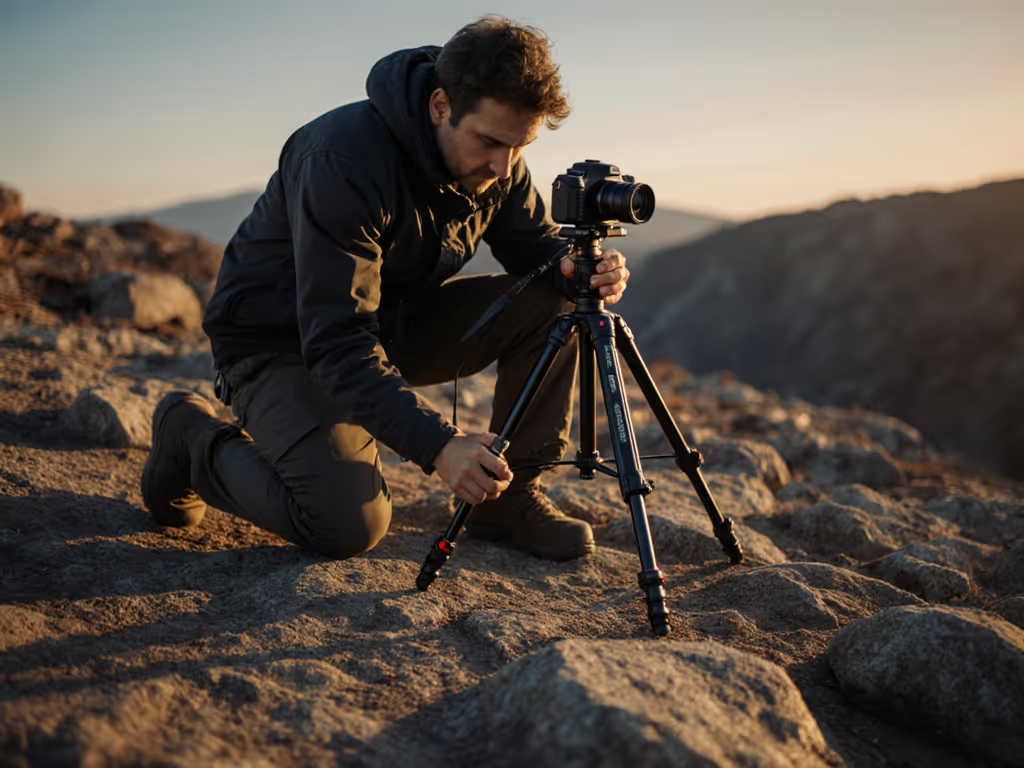
Adopt the 3-step reset: This is the core lesson from my dune workshop. When students panicked in 30mph gusts, we paused and repeated:
- Legs to true height (no center column), always set leg angles first
- Level base once: tilt head minimally; use leg adjustments for gross leveling
- Free the pan only after stability is confirmed: test with pinky before mounting camera
This sequence works because it's repeatable under pressure. Unlike fiddling with a leveling base, it's glove-friendly and takes 12 seconds. Stability starts with disciplines, not gadgets. In gusty conditions, learn how to counterweight your tripod for real wind.
The Real Path to Confident Computational Photography
Forget chasing 'AI tripods.' The breakthrough is in your habits. When computational photography demands sub-millimeter precision (like 50MP focus stacking), your tripod's job is simple: be invisible. No wobble. No flex. No second guesses. That requires:
- Terrain-aware setup: Match leg spread to ground type (wide on sand, narrow on rock)
- Wind discipline: Lower center of gravity before mounting camera
- Field-tested height: Know your true stable height (not spec-sheet max) for your body
Field Checklist for AI Workflow Readiness
- IS/VR disabled (unless tripod-mode confirmed)
- Center column fully retracted
- Leg angles adjusted for ground texture
- Pinky test passed in current wind
- Working height achieved without straining neck/back
When these habits click, you stop worrying about stability. You'll trust long exposures in wind, nail focus stacks on slopes, and finally leverage AI tools as the enhancers they're meant to be, not motion-blur bandaids. That's the freedom of gear that disappears.
Your Actionable Next Step
This weekend, test one terrain habit: Next time you shoot on uneven ground, set up without your center column. Adjust leg heights independently until the base is level. Then mount your camera. Notice how much faster you work, and how much sharper your keeper rate becomes. That's the foundation computational photography actually needs. When your stability becomes pack-ready, your creativity becomes limitless.
Related Articles