Mirrorless Quick Release Comparison: Stable, Compatible Plates
By Yuki Tanaka • 2nd Jun
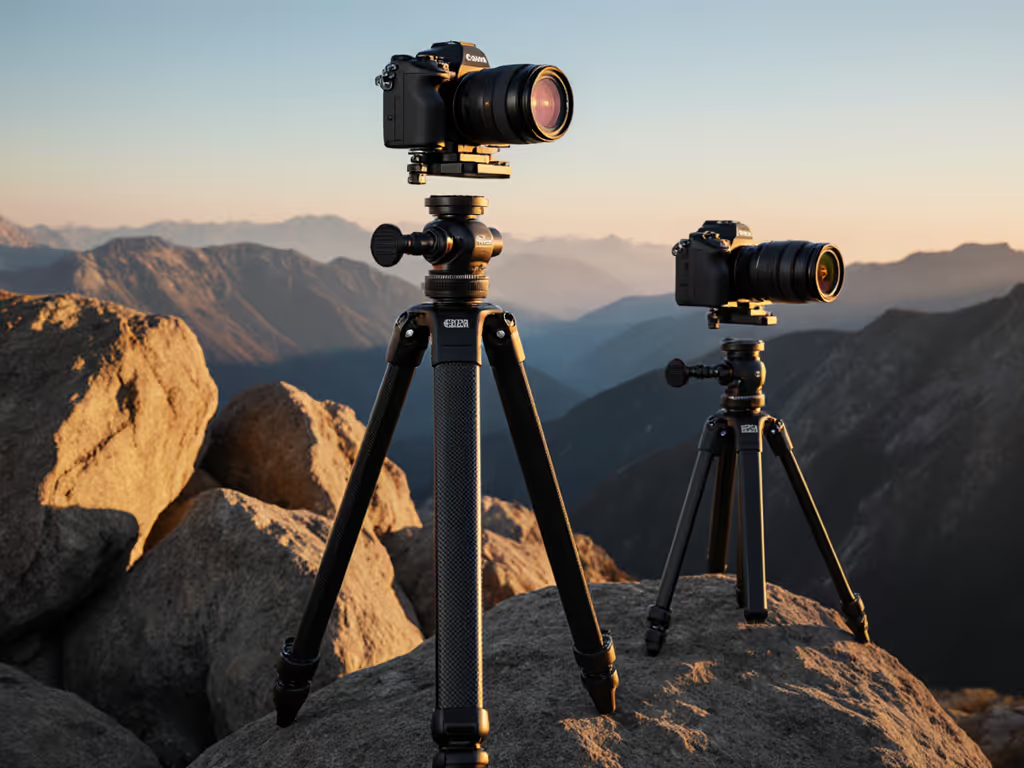
If you care about sharp files more than flashy logos, your mirrorless quick release comparison should focus on three things: clamp standard, real stability, and mirrorless plate compatibility with your specific body (doors, grips, and all). This is where value quietly hides, and where a little planning can save you from rebuying plates every time you change camera or head.
Value lives where stiffness, weight, and price intersect sanely.
In this list, I'll walk through the major plate standards and mirrorless ecosystems (Sony, Canon, Nikon Z), then translate them into a practical upgrade path so your next plate or L-bracket is the last one you need for a long time.
1. Start With the Ecosystem: Arca vs Proprietary Clamps
Before you compare individual plates, you need to decide which clamp ecosystem you want to live in. Quick release mounts exist so you can mount, re-orient, and remove your camera quickly without threading a screw each time, a fact any overview of quick release mounts will emphasize. For a head-to-head on plate ecosystems and safety, see our quick release plates comparison.
In practice, you're choosing between:
- Arca-Swiss style (open standard, many brands)
- Proprietary plates (brand-specific like some OEM bodies or video heads)
Arca-Swiss style
- Pros
- Broadest cross-brand compatibility: works across most mirrorless bodies, third-party heads, and accessories.
- Huge variety of plates: universal, custom-fitted, L-brackets, long rails for macro/pano, nodal rails.
- Easier cost-per-point math: you can upgrade legs or heads without replacing plates.
- Cons
- Not perfectly standardized: plate width and dovetail profile vary slightly between brands.
- Some video/RC2/gimbal systems still need adapters.
Proprietary systems (RC2, PD, OEM, etc.)
- Pros
- Often faster to use in one very specific setup (e.g., a particular video head or capture clip).
- Tactile detents or safety pins can feel more secure to some users.
- Cons
- Locked in: a new head often means all new plates.
- Poor mirrorless plate compatibility across brands and accessories.
- Extra stack height when you need adapters to talk to Arca.
Rule of thumb: if you shoot on a tripod weekly (landscape, astro, architecture, macro/product), build around Arca-Swiss first and treat proprietary clamps as niche tools you adapt to, not the other way around.
2. Sony Quick Release Plates: Grips, Doors, and Off-Center Tripod Sockets
Sony quick release plates tend to be trickier than DSLR plates because of:
- Off-center tripod sockets
- Pronounced front grips on higher-end bodies
- Side doors for HDMI/USB/mic right where many generic L-plates want to sit
Key choices for Sony mirrorless users:
- Custom base plates vs generic Arca plates
- Custom plates match the body shape, often with anti-twist flanges that hug the grip.
- Generic, flat Arca plates work but rotate more easily under torque, especially with telephotos.
- L-bracket vs base plate only
- For landscape/architecture/astro, an L-plate removes the need to flop the ball head for verticals, keeping the center of gravity above the apex.
- Good L-plates leave clear access to battery doors and side ports.
- Battery grips and cages
- If you ever add a battery grip or cage, your plate needs to either:
- Bolt to the grip/cage, not the body, or
- Be replaced by an integrated Arca base built into the grip/cage.
Sony-specific tip: when you compare plates, look for anti-twist design that references two points on the body (e.g., grip and back edge) and doesn't block the tilt screen in low-angle work.
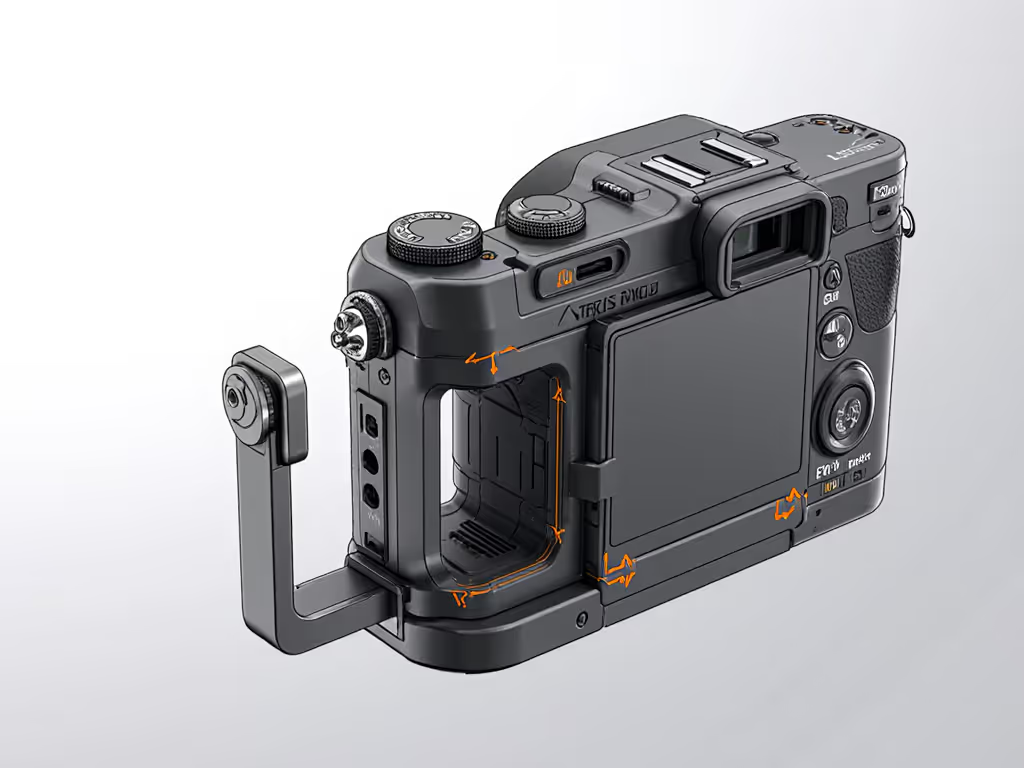
3. Canon Mirrorless Plate System: R-Series Ergonomics and OEM vs Third-Party
The Canon mirrorless plate system has two typical pain points:
- Pronounced grips on mid/high-end R-series bodies
- Side doors that must stay accessible for video (HDMI, mic, USB-C)
When you evaluate Canon-compatible plates:
- Check grip clearance
- Custom plates for Canon bodies often extend slightly forward under the grip.
- This improves anti-twist security but can make the camera less comfortable in hand if overdone.
- Side-port access for hybrid shooters
- If you shoot tethered, live-stream, or use external recorders, a good L-plate must allow full cable insertion with the vertical arm installed.
- Cheap plates often require you to remove the vertical arm for HDMI, which defeats the point for run-and-gun hybrid work.
- OEM vs third-party
- Canon OEM plates tend to be secure but proprietary and expensive.
- A well-machined Arca-compatible third-party plate or L-bracket can be both cheaper and more flexible across heads and rails.
Canon-specific tip: if you ever shoot real estate or interiors, prioritize an L-plate that keeps the body's sensor plane close to the center of the tripod head for predictable pano stitching and level alignment.
4. Nikon Z Quick Release: Flat Bases and Long Lenses
Nikon Z quick release needs are different again:
- Many Z bodies have relatively flat bases, which helps plate stability.
- Long adapted F-mount glass and Z telephotos push leverage way up.
For Nikon Z users, focus on:
- Proper plate length
- A longer base plate increases contact area and reduces rotation under heavy lenses.
- It also gives you more fore-aft adjustment to fine-tune balance on a gimbal or fluid head.
- Lens foot strategy
- For 70-200 mm and longer, the lens collar foot must be Arca-compatible or wear a replacement Arca foot.
- Mounting the camera body instead of the lens foot with a long zoom is a stability penalty you feel immediately. Learn how lens weight distribution affects tripod stability to choose the right feet and support.
- Low-angle and macro work
- If you use the Z system's excellent close-focus primes, a compact but rigid L-plate helps maintain composition when you rotate between vertical and horizontal on uneven ground.
Nikon-specific tip: treat the lens feet as part of your plate system. A good Z setup has matching Arca feet on all telephotos, plus an L-plate on the body for normal/short lenses.
5. Mirrorless Arca-Swiss Compatibility: How "Standard" Is Standard?
Many manufacturers advertise "mirrorless Arca-Swiss compatibility", but not all Arca clamps and plates behave identically. For cross-brand nuances and fixes, see our ARCA-Swiss compatibility guide.
When comparing different Arca-style systems, check:
- Dovetail geometry
- Some plates are fractionally wider or have rounded edges; they may feel loose in one brand's clamp and tight in another.
- Better clamps have a little extra jaw range and a safety-stop design that still bites on slightly out-of-spec plates.
- Clamp type
- Screw clamps: slower but most tolerant of plate variance and dirt/ice.
- Lever clamps: fast but sensitive to plate width; great for one brand of plate, less so for a mixed plate drawer.
- Safety features
- Stop screws on the underside of plates prevent sliding out if the clamp loosens.
- Some heads include a double-stage safety where you must pull then flip the lever, helpful with gloves.
Compatibility tip: pick one primary plate brand/profile and standardize across bodies and lens feet, then set your lever clamp tension for those plates specifically.
6. Universal Plates vs Custom L-Brackets: Stability-Per-Dollar
This is where my bias shows. For mirrorless, the gap between a flat universal plate and a custom L-bracket can be the difference between hit-rate frustration and "set and forget".
Universal plates
- Pros
- Cheap, compact, can move between bodies.
- Fine as a backup or for a rarely-used second body.
- Cons
- Single contact plane, easy to rotate.
- No vertical support, worse for wind and long lenses.
Custom L-brackets
- Pros
- Two orthogonal faces (base + vertical) dramatically improve torsional stiffness.
- Balanced vertical orientation without flopping a ball head sideways.
- Better repeatability for pano/architecture.
- Cons
- Body-specific: you rebuy if you change camera shape.
- Bulkier in bag, though many are modular (removable vertical arm).
If you care about a cost-per-point math approach to stability, a custom L-plate usually buys more "sharpness margin" per dollar than moving up one entire tripod class. In other words: spend on the interface before you overspend on heavier legs.
7. Still vs Hybrid Video: Plates, Cages, and Gimbals
Hybrid photo/video creators have extra constraints:
- Need compatibility with tripod head, gimbal, and sometimes slider.
- Need clean access to HDMI/mic/USB while mounted.
When you compare options:
- Cage-based workflows
- Many cages offer a built-in Arca base and sometimes a Manfrotto-style bottom as well.
- A cage with an Arca base lets you standardize on one clamp style across heads, sliders, and gimbals via simple adapters. For choosing the right head for hybrid work, see our ball vs fluid head guide.
- Direct body plates for travel
- If you don't want a full cage, choose a low-profile L-plate with:
- Clearance for HDMI/mic cables
- At least one anti-twist lip
- A strap slot so you're not fighting plates vs straps.
- Gimbal compatibility
- Some gimbals use proprietary plates, but an Arca-compatible gimbal clamp is increasingly common.
- Standardizing on Arca here lets you pop the camera directly from tripod to gimbal without changing plates, which also preserves your balance marks.
8. Practical Stability Check: Does Your Plate Match Your Shooting Style?
Once you've narrowed down ecosystems and brand fit, it's time for a field-relevant stability test that mirrors how you actually shoot.
Here's a simple checklist you can run on any new plate or L-plate:
- Twist test
- Mount your heaviest mirrorless combo on your main tripod head.
- Gently twist the camera body as if you're panning; feel for micro-slop.
- Any noticeable rotation means the plate is too small, too smooth, or lacks proper anti-twist support.
- Vertical orientation test
- If you have an L-plate, switch to vertical without changing tripod height.
- Confirm the viewfinder/monitor remains near eye-level and that there's no new wobble.
- Cable and door clearance
- Plug in every cable you actually use (remote, HDMI, mic, USB-C power).
- Check that doors close or stay open without stressing hinges, and that cable plugs don't crash into the L-plate.
- Real-world exposure test
- Shoot at your longest focal length and slowest realistic shutter speed.
- Compare 100% crops to your previous plate or handheld reference.
- If your keeper rate isn't clearly better, the plate or its interface isn't pulling its weight.
This is where many people discover that the "flashy new kit" that looked great in specs simply creeps under a tele and blurs long exposures. For me, it took selling that setup at a loss and building a spreadsheet of stiffness per dollar to realize that plates and heads matter as much as legs.
9. Sourcing Tips and Upgrade Path Planning
Now that you know what to look for, here's how to buy smart and avoid repurchases.
Sourcing tips
-
Standardize early
- Pick one primary standard (Arca) and one plate brand/profile you like, then stick to it across bodies and lens feet.
-
Prioritize contact geometry over brand hype
- A boring, well-machined plate with proper flanges is more valuable than a designer plate that slips.
-
Used market advantage
- Plates, L-brackets, and lens feet are often under-priced on the used market because they're "boring" accessories.
- Check that the dovetails and mounting surfaces are not gouged; cosmetic marks are fine.
-
Avoid dead-end proprietary plates
- Unless you're locked into a special video head for a clear reason, don't build a whole system on a plate you can't buy from multiple sources.
Building a future-proof upgrade path
Think of your support system in layers:
- Layer 1 - Plates and L-plates
- Standardize on Arca.
- Put custom plates or L-plates on your primary mirrorless bodies.
- Use Arca feet on telephoto lenses.
- Layer 2 - Heads and clamps
- Choose heads with native Arca clamps or replaceable clamp modules.
- Favor screw or finely adjustable lever clamps for mixed-brand plates.
- Layer 3 - Legs and accessories
- Legs, leveling bases, and macro rails can then change as your needs grow without breaking compatibility with your plates. If leveling speed and accuracy matter, compare options in our tripod leveling systems test.
By planning from plate upward, you dodge the classic trap: buying a flagship tripod kit with a proprietary head, then discovering your plates don't fit anything else. Smart modular choices beat impulse buys every time, and plates are the cheapest component to get right early.
10. Actionable Next Step: Build Your Plate Map in 15 Minutes
To turn this mirrorless quick release comparison into results, take 15 minutes and map your current and future needs:
- List your bodies and key lenses
- Mark which need an L-plate (main body, macro/landscape) and which need only a base plate or lens foot.
- Choose your ecosystem
- Commit to Arca as your primary standard unless you have a compelling, specific reason not to.
- Standardize one plate profile
- Pick a plate/L-plate line that fits your sony quick release plates, canon mirrorless plate system, or nikon z quick release needs without blocking doors.
- Replace the weakest link first
- Upgrade the sloppiest plate or lens foot in your kit before you touch your legs or head.
- Document your setup
- Note plate models and any clamp tension settings that work best. This becomes your personal spec sheet and sanity check for future purchases.
Do this once and you'll have a clear, modular upgrade path where every new body or lens slots into your existing support system instead of forcing another round of plate roulette.
Related Articles